
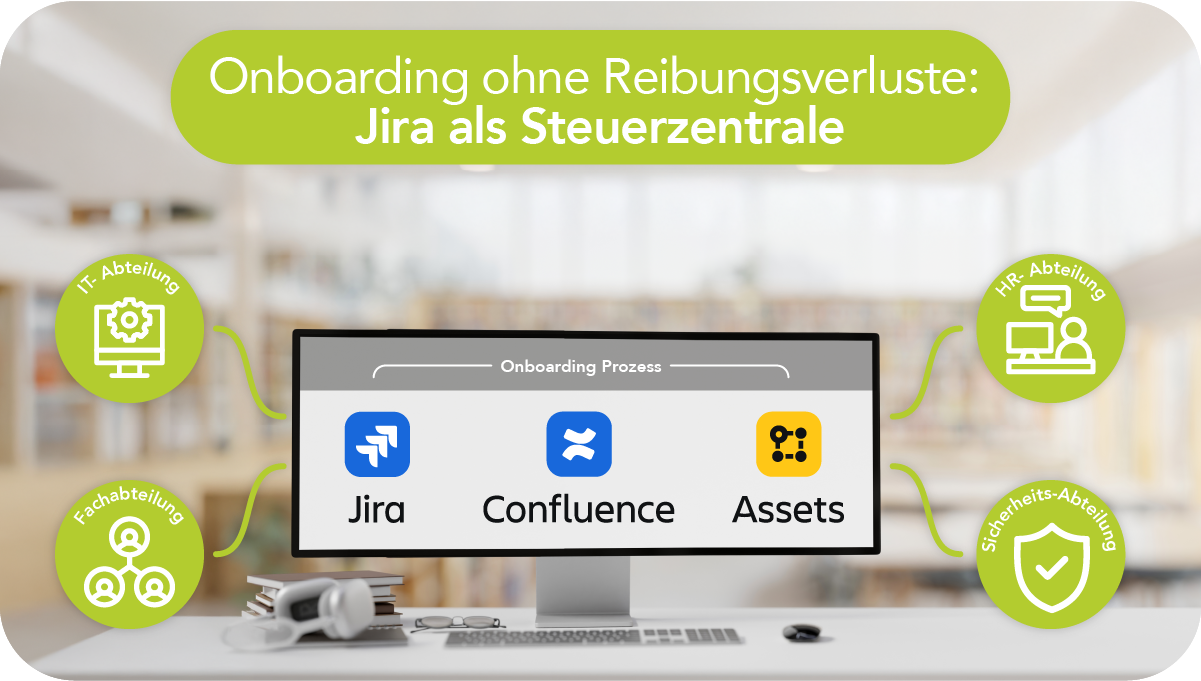
- Jira bundles onboarding end to end: one issue instead of scattered emails and lists, clear rules, deadlines, statuses, and automatic follow-up tasks.
- Change processes follow the same logic: approvals along defined responsibilities, permission changes, and handovers as traceable task packages.
- Assets embedded directly in the process: assignment of work equipment via Jira Assets, linked to employees, with owner/location/status as the basis for support and reporting.
- Confluence + asset data provide evidence: context-specific instructions per device set, clean return and offboarding control, and an audit trail aligned with ISO 27001 and BSI IT-Grundschutz.
The first day at work rarely determines a successful start on its own. What really matters is the path leading up to it: HR is responsible for onboarding, the business unit pushes for productivity, IT organizes accounts and devices, and information security demands evidence. These streams often run in parallel without a shared cadence. The result: delays, follow-up questions, shadow lists, missing documentation. Jira creates a central point of execution here. Honicon has been implementing this approach in the Atlassian ecosystem for years—using Jira, Confluence, Assets (formerly Insight), and the surrounding systems.
Honicon operates as a small IT consultancy with a strong focus on products from Atlassian. Day-to-day work revolves around setting up, operating, and evolving Jira, Confluence, and Jira Assets (formerly Insight), plus integrations within the Atlassian ecosystem. Process design does not end in a workshop; it materializes in workflows, forms, status models, automations, and clear permission concepts. Information security is integrated as a fixed component.
The goal in onboarding: shorter lead times without compromising quality. Jira replaces loose coordination with a clearly defined issue featuring rules, handovers, and deadlines. The business unit initiates the process via a portal or form that captures relevant information in a structured way: role, start date, location, cost center, required system access, and any special aspects such as working hours or access profiles. Mandatory fields and validations reduce follow-up questions. One issue consolidates the entire process instead of information fragmenting across multiple channels. Statuses, comments, and attachments provide an overview in seconds. Automations distribute tasks to the relevant departments and generate follow-up tickets along the process.
Permission changes, handovers, evidence – in a single issue
Internal moves often create more friction than a new hire: department changes, role changes, relocations, project rotations. Honicon models these cases using the same logic, including an approval process. Jira controls approvals along defined responsibilities, such as team lead, HR, IT, information security, or fleet management. A change triggers follow-up tasks: revoking old permissions, assigning new ones, updating groups, adjusting permission schemes, updating distribution lists, and handling organizational handovers.
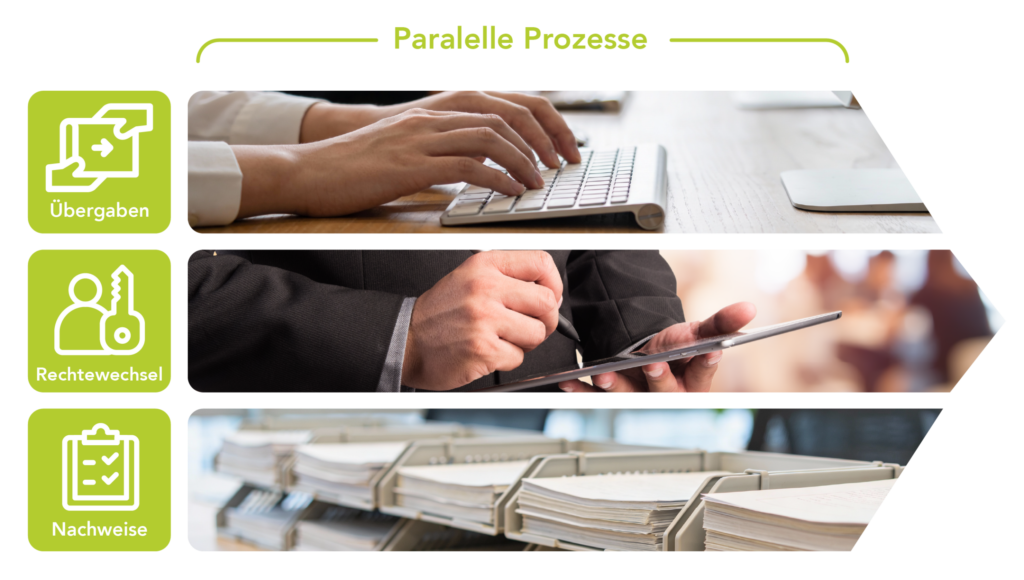
A key lever lies in parallelization. Instead of one task waiting for the next, Jira distributes subtasks to HR, IT, workplace services, procurement, or fleet management—each with clear service targets and escalations. Automations set deadlines, send reminders, and keep the business unit informed about status changes. This reduces follow-up questions and makes blockers visible before they jeopardize the start date. At the same time, a robust chronology emerges: approvals, responsibilities, and decisions remain traceable, including timestamps and documentation.
At the heart of onboarding is the question of work equipment. In many organizations, this is where a media break occurs: IT tracks devices separately, HR documents handovers elsewhere, and business units maintain their own lists. Jira Assets closes this gap. In the onboarding issue, a decision tree determines the required assets depending on role, location, and working mode. The result: concrete assignments such as smartphone, notebook, workstation, or vehicle. These insights flow directly into asset management, linked to the employee and to the respective owner in terms of responsibility.
The link between employee and asset has an immediate effect in daily operations. Support tickets gain context: which notebook is in use, which docking station, which mobile contract, which vehicle class, which key. Troubleshooting saves time because searching for device data is eliminated. At the same time, the risk of unofficial inventories decreases. A device without an assignment stands out in the register; a device with an incorrect location shows deviations in reporting. Dashboards provide metrics on lead times, bottlenecks, and open tasks per department—without manual list maintenance.
Knowledge where work happens
Confluence complements this approach wherever onboarding and guidance matter. For each asset object category, a suitable guide can be linked: setup steps, secure usage, care instructions, return process, and contacts. Confluence also contains rules for handling work equipment, such as encryption, password managers, VPN usage, theft protection, or reporting paths in case of loss. The onboarding issue references these pages contextually. New employees receive exactly the information that fits their own device set, instead of generic documents without relevance.
Linking assets with employees initially creates order in day-to-day operations: each work item is clearly associated with a person, including owner, location, and status. Handovers lose their “gray area”; ownership and usage remain traceable, and support and operations gain immediate access to reliable device data. During offboarding or role changes, returns are not handled informally but via a clearly defined task package in Jira, linked to the specifically assigned assets. An approval step records returns, data deletion, token revocation, and the rollback of access rights as traceable decisions.
This very clean mapping of the personnel base in asset management subsequently fulfills key ISMS requirements. ISO 27001 and BSI IT-Grundschutz expect a complete asset inventory with responsibilities, traceable status changes, and controlled returns. Asset assignments provide a consistent audit trail directly within the platform—without additional documentation outside the system.
Honicon comes from process consulting, and this origin shapes its implementations. An onboarding process meets formal requirements while fitting into existing workflows. Interfaces to HR systems, identity providers, mobile device management, or fleet tools are incorporated into the design so that HR processes do not become foreign bodies. Efficiency is a fixed requirement: as few handovers as possible, as many automations as sensible, and responsibilities as clear as necessary. A process only works if teams use it in everyday work—without extra effort and without parallel worlds.
In reality, onboarding grows with the organization. New locations emerge, teams split, compliance requirements increase, device classes change. Jira scales this change through templates, components, workflows, and automation rules. Honicon relies on modular process building blocks: a core process for joiner–mover–leaver, complemented by modules for fleet management, elevated protection requirements, project access, or external staff. This keeps onboarding consistent even as structures become more complex.
In the end, a simple benchmark applies: transparency of status, clear responsibilities, and reliable evidence combined with short lead times. Jira, Confluence, and Assets provide the platform for this. Honicon delivers the process logic, integration, and focus on information security so that onboarding not only starts—but lasts.